
Appearance
Tabs
A Typora window holds several tabs. A tab isn't limited to Markdown: it can also show a web page, or preview an image, video, audio file or PDF.
File ▸ New Tab opens an empty tab (⌘T on macOS). Settings ▸ General ▸ Open Files In decides whether files you open go to the current window, a new window or a new tab.
Drag a tab to change where it lives:
- Along the strip to reorder tabs. The strip scrolls when you reach its edge.
- Off the strip to give it a new window at the pointer, or into another window's strip to move it there.
Esc cancels the drag.
Right-click a tab for Close Tab, Close Other Tabs, Close Tabs to the Right, Open in Split View or Remove from Split View, Reveal in Finder (or Explorer), Copy Path and Copy Relative Path.
File ▸ Open Recent ▸ Reopen Closed File (Mod+Shift+T) brings back the last closed tab where it was, including its place in a split. An untitled tab you closed with Don't Save comes back with its text. A window remembers its last 20 closed tabs.
To show tabs side by side, see Split View.
Web pages
Clicking Open on an http or https link goes to your browser. To read the page beside your document, open the menu next to Open on the link's hover toolbar:
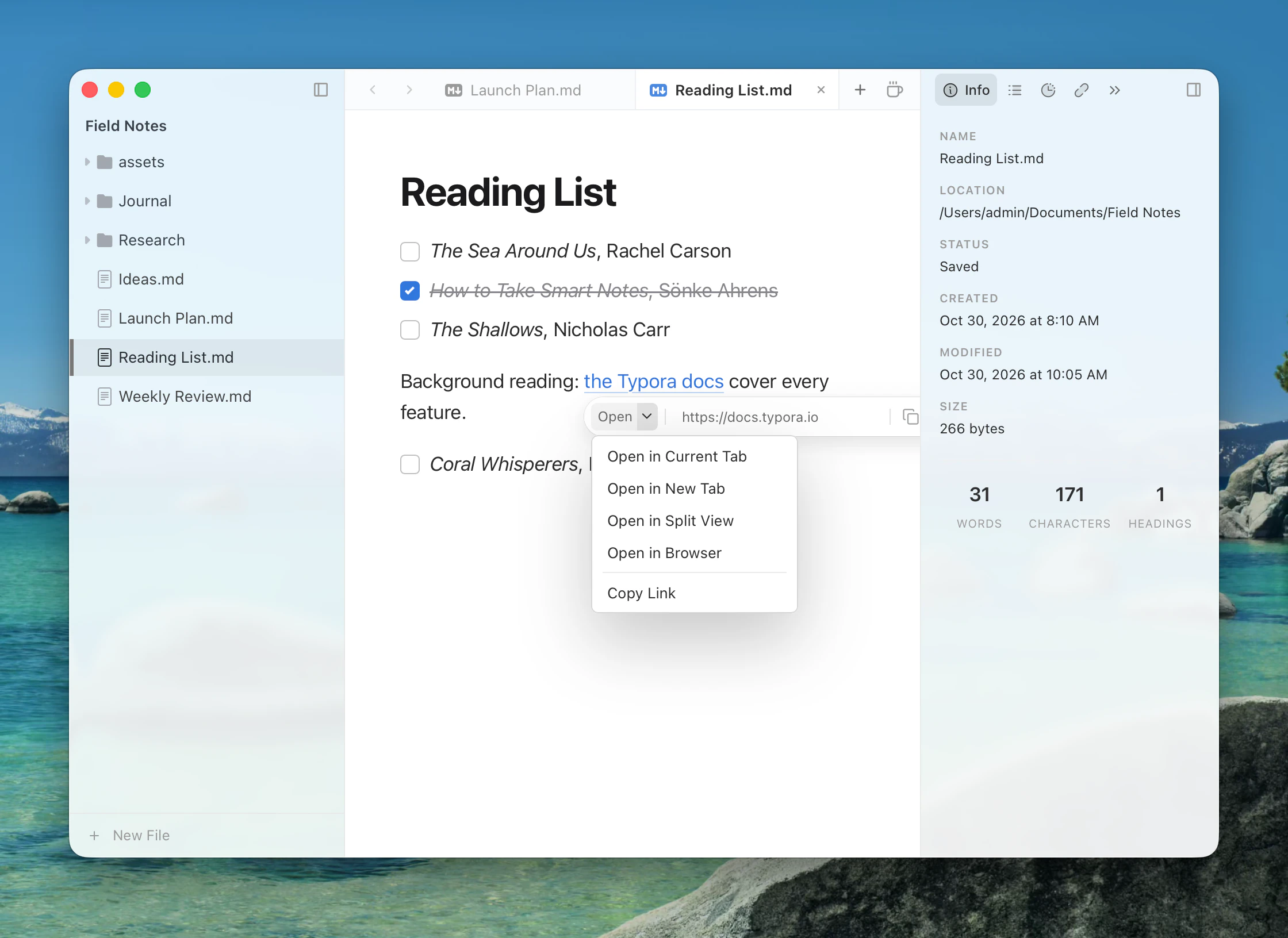
| Link points to | Menu |
|---|---|
| A web page | Open in Current Tab, Open in New Tab, Open in Split View, Open in Browser, Copy Link |
| A Markdown or text file | Open in Current Tab, Open in New Tab, Open in Split View, Open in New Window, Reveal, Copy Path |
| An image, video, audio file or PDF | The same, plus Open in Default App |
| Any other file | Open in Default App, Reveal, Copy Path |
A web tab is an ordinary web view, with Back, Forward, Reload, Copy Link and Open in Browser at the top. Links that open a new window, and most downloads, go to your browser. Web tabs aren't restored when you restart Typora.
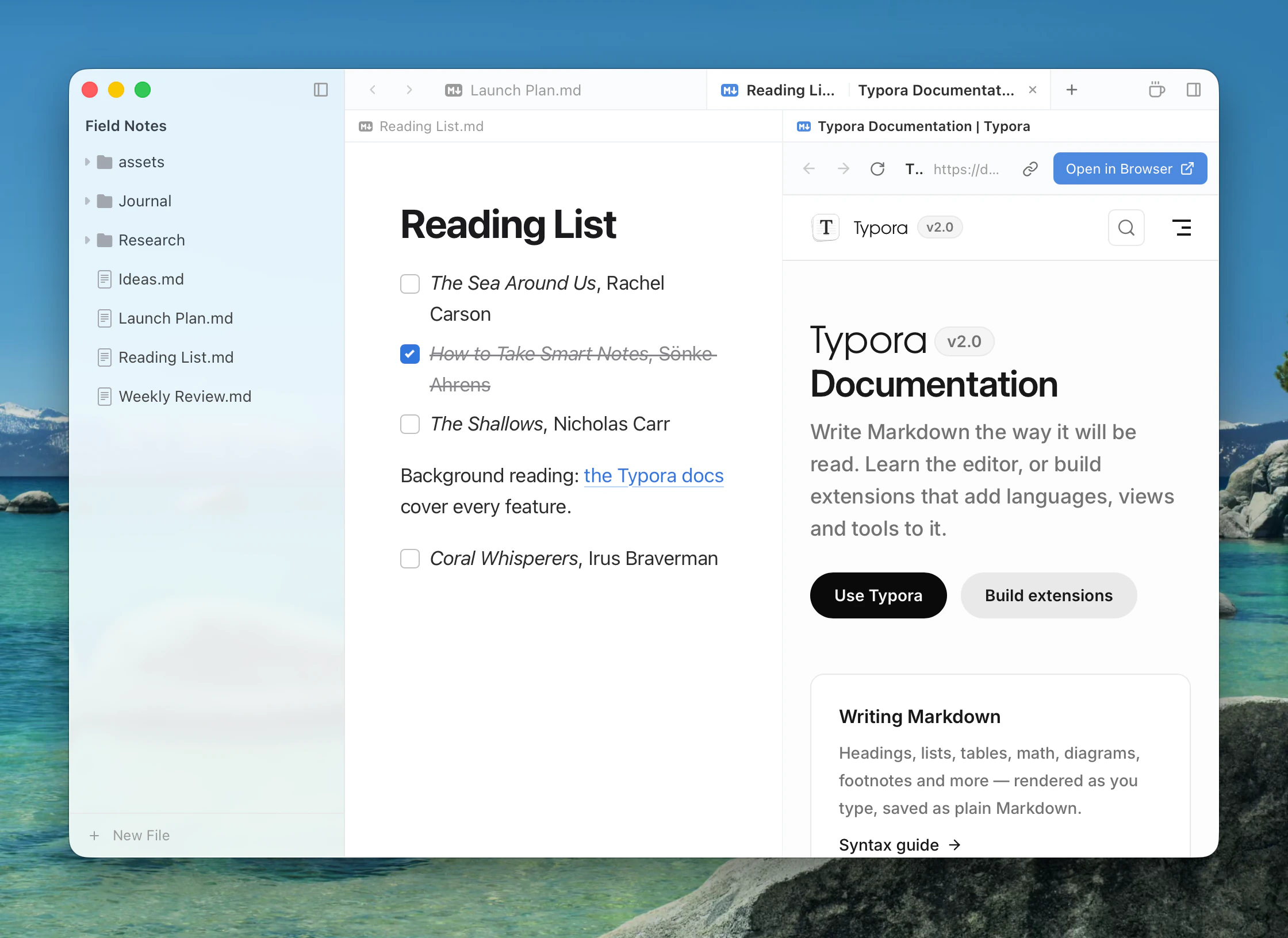
AI web search uses a web tab like this one, in a column beside your document.
Previewing files
Typora opens these in a tab or column without leaving the app:
| Kind | Formats |
|---|---|
| Image | AVIF, BMP, GIF, HEIC, ICO, JPEG, PNG, SVG, TIFF, WebP |
| Video | AVI, M4V, MKV, MOV, MP4, OGV, WebM |
| Audio | AAC, FLAC, M4A, MP3, OGG, WAV, WebA |
What actually plays depends on what your system's web view can decode. Extensions can add viewers for other file types.
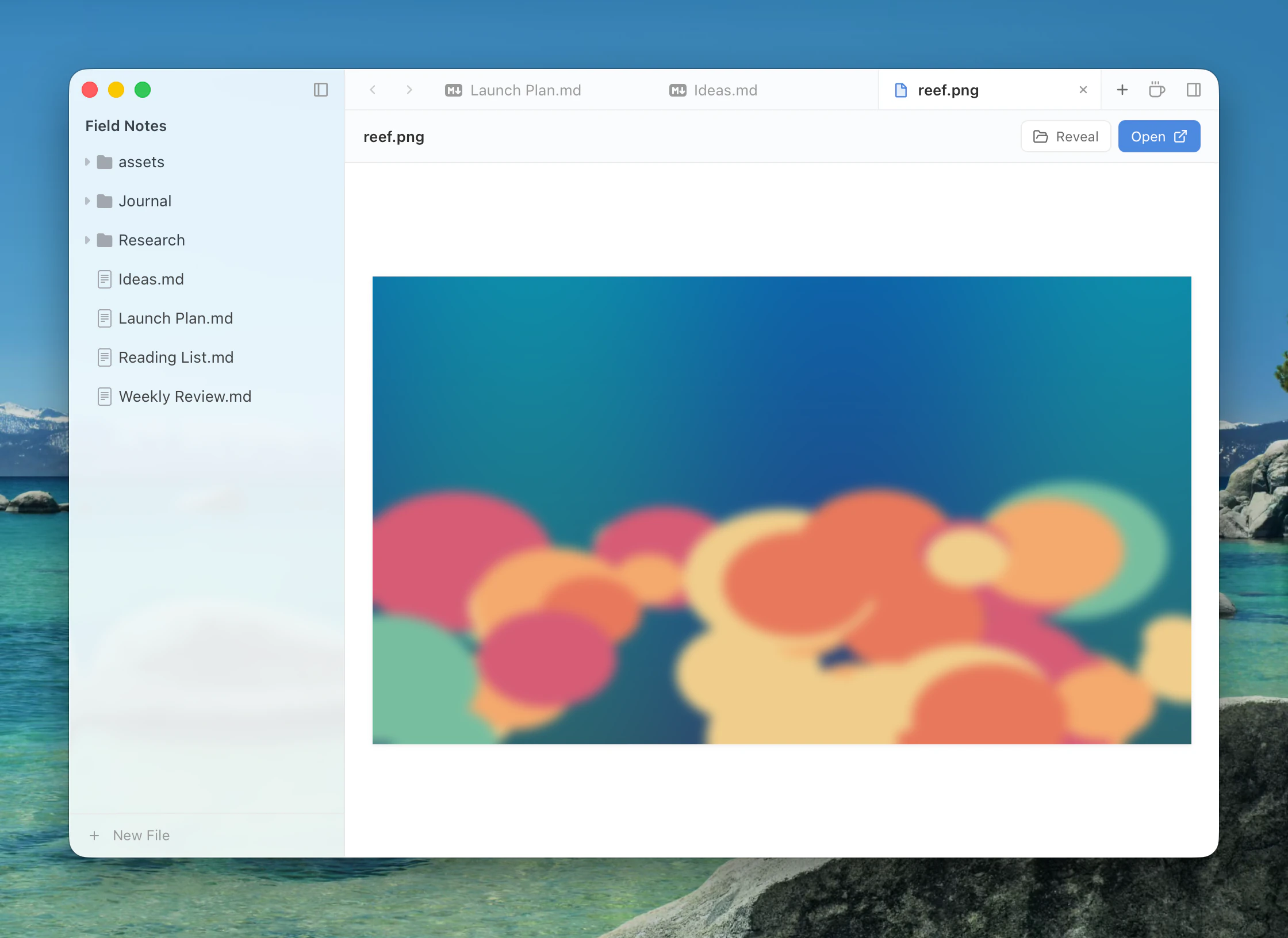
Other files open in their default app. A text file with another extension can be opened in the preview, which offers Open as Markdown.